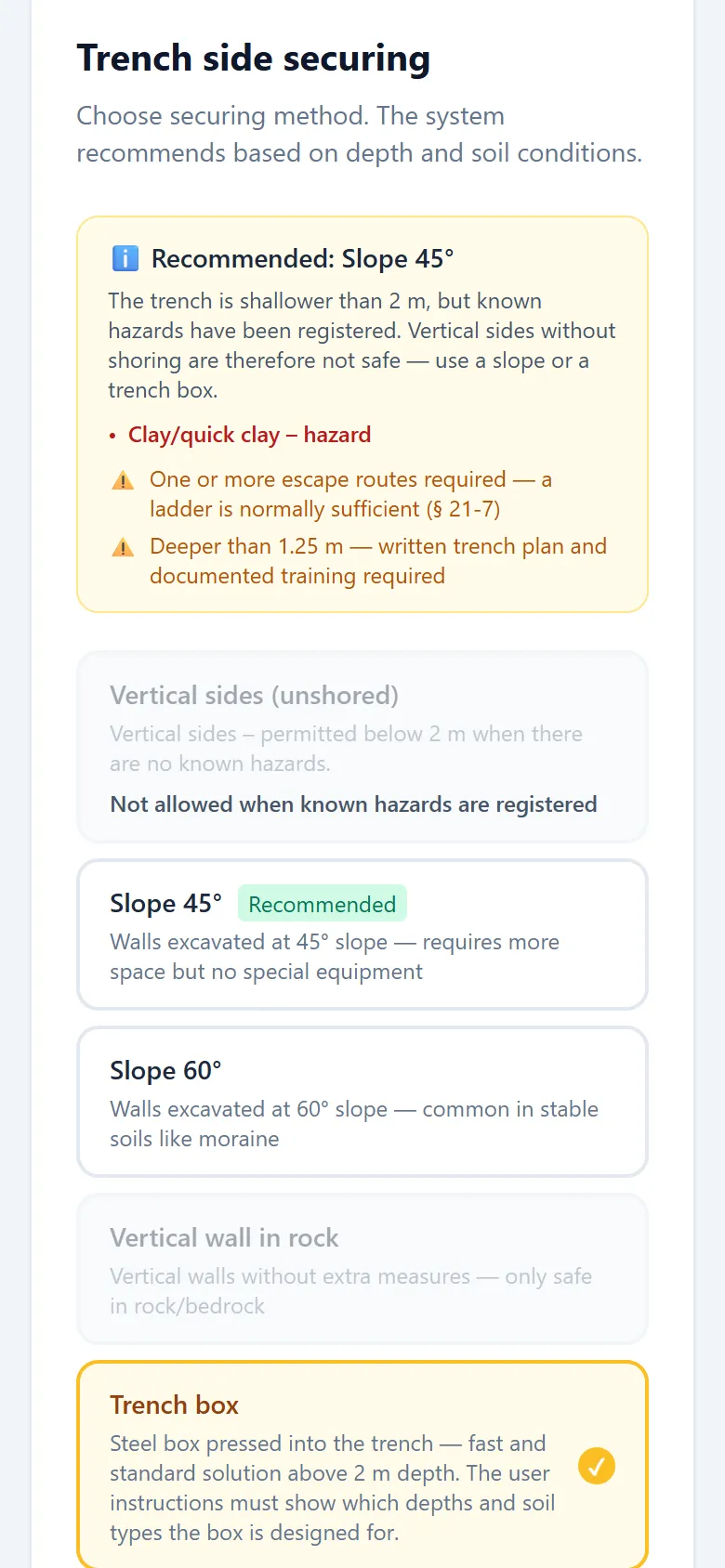
Choose trench, dimensions and ground conditions
Choose the type of trench and enter depth, width, length and what the ground consists of. The app suggests shoring according to the regulations and tells you when something is missing.
Trench and excavation plans in minutes – for anyone who digs, leads a team or works in the trench.
Tap the image to see it in full size.
Before digging deeper than 1.25 metres, the employer must make sure there is a plan for the excavation (Norwegian regulations on the performance of work, section 21-5). Grøfteplan.no helps you make the plan in minutes – on mobile or PC, even out on site.
Read more about the regulations →The wizard takes you through the plan step by step, and the sketches are drawn as you fill it in.
Choose the type of trench and enter depth, width, length and what the ground consists of. The app suggests shoring according to the regulations and tells you when something is missing.
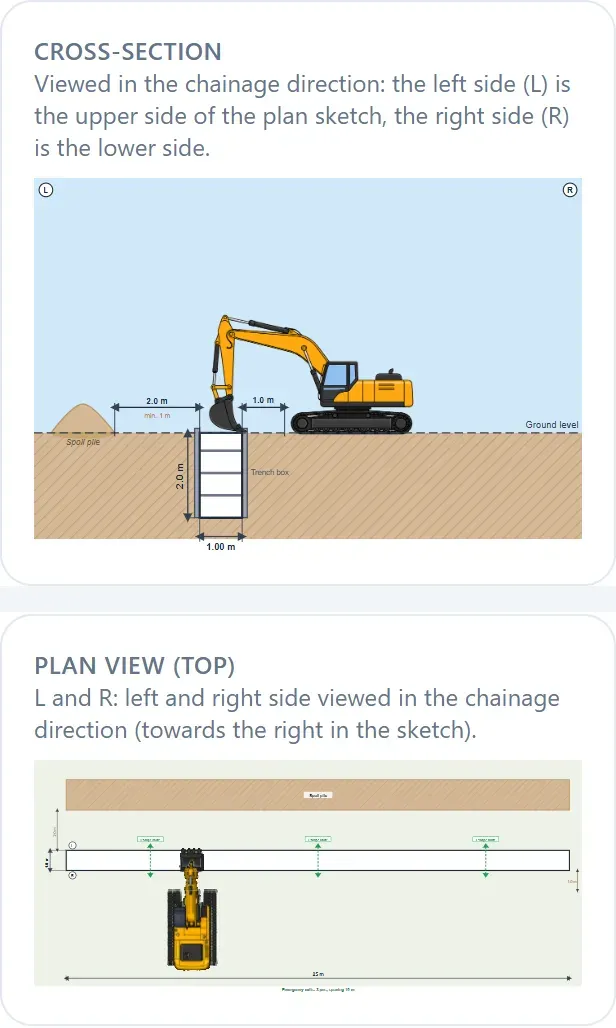
The cross-section and site plan are drawn from your dimensions. Drag the excavator, the trucks and the spoil into place, and choose how closely the emergency exits are spaced along the trench.
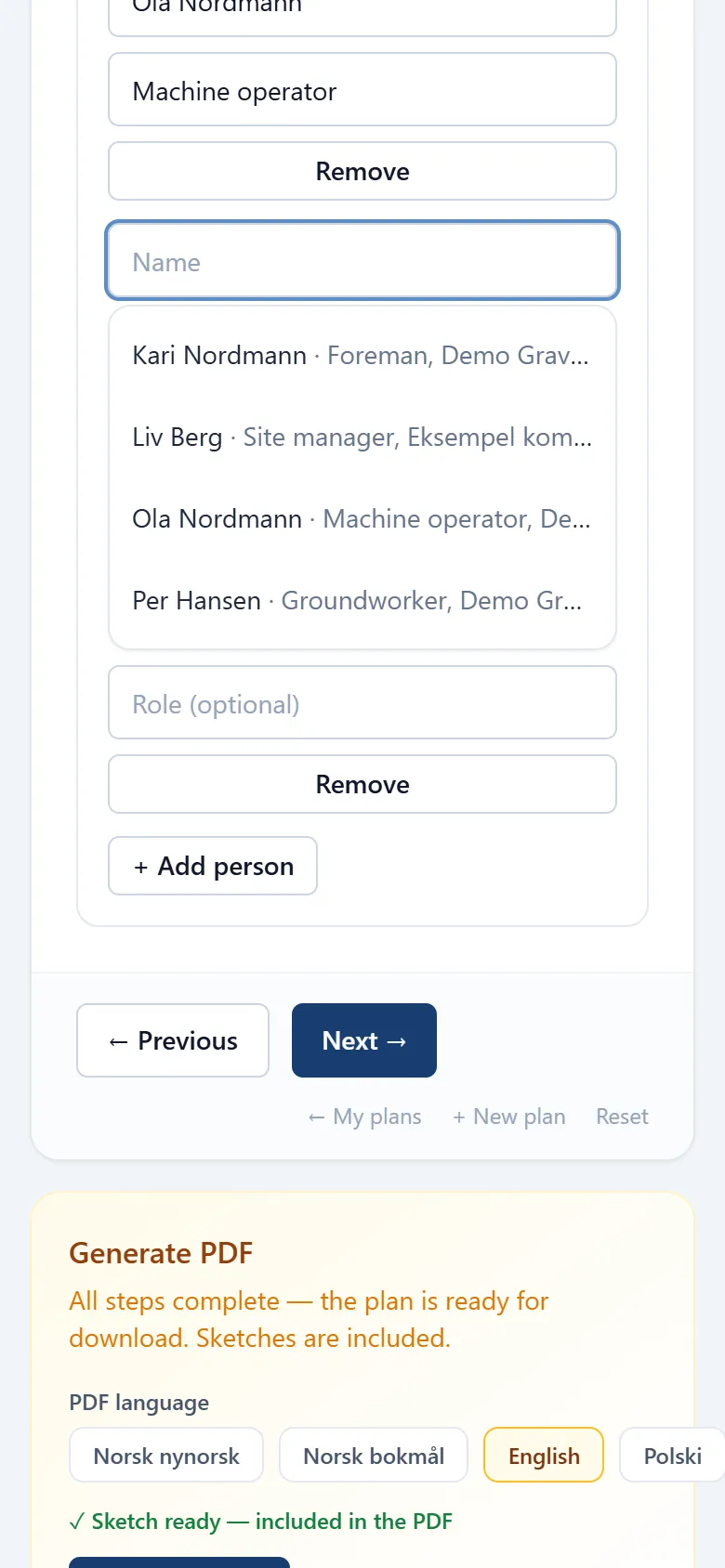
Add the foreman, the machine operator and others you often work with. Next time you pick them from the list, and their name and role are filled in.
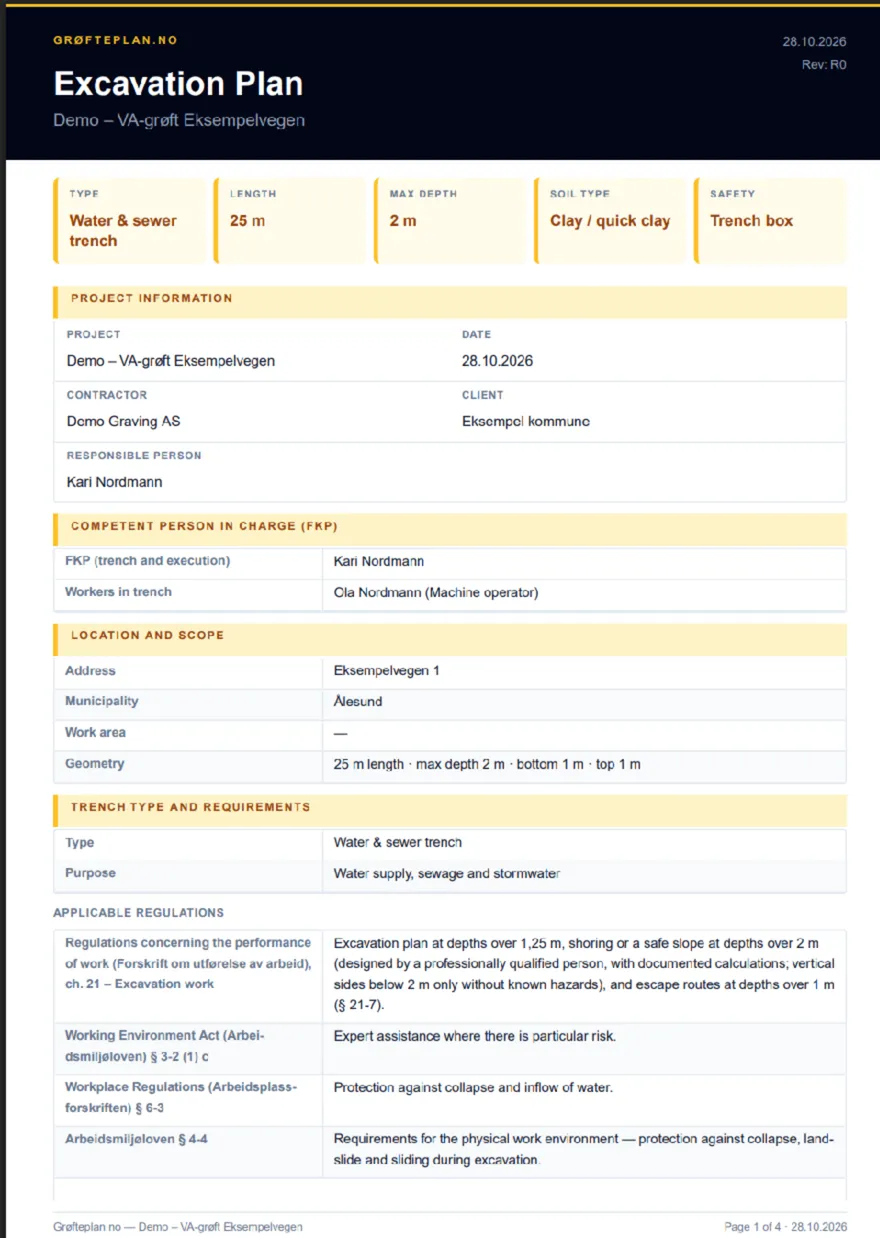
The plan becomes a clear PDF with cross-section, site plan, safety measures and signatures, ready to show on site.
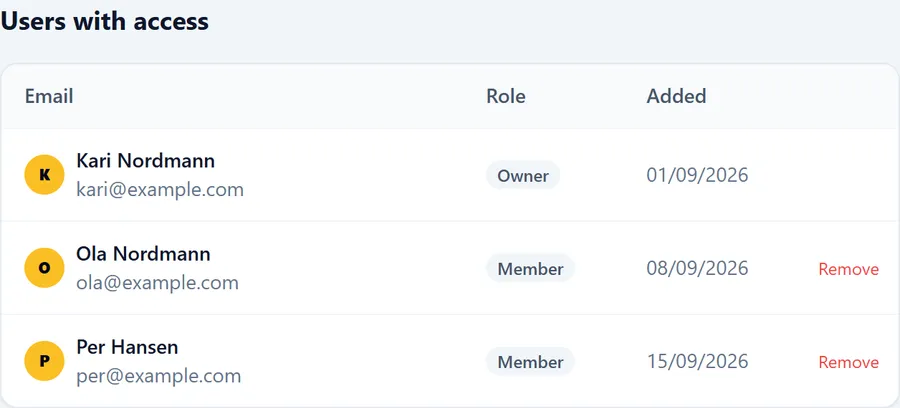
With a team subscription, the whole crew works in the same plans.
Print the PDF and put it up on site, or open it on your phone and show it when someone asks. The plan can be downloaded in Norwegian (Nynorsk and Bokmål), English and Polish, so everyone on the crew can read it in a language they understand.
If the contract requires the client to see the plan before work starts, send the PDF to the client. The plan has fields for “Prepared by” and “Approved by” with signature and date, so the client can sign when you go through the plan together, or on the printout.
Trench type and dimensions, ground conditions, shoring method, sketches with cross-section and site plan, distance to spoil, emergency exits, stop criteria, responsible persons and signatures. It also includes known installations in the ground, routines during the work and a check against the regulations.
Read more about the regulations →The employer – usually the contractor – is responsible for having a sound plan. Grøfteplan.no is a tool: the responsible person must always assess the conditions on site and make sure the plan is checked by qualified personnel.
Read more about the regulations →Yes, Grøfteplan.no works in the browser on mobile, tablet and PC, with nothing to install. The plan you have open is saved on your device as you work. If you lose the connection, you can keep working in it, and the changes are uploaded the next time you are online. New pages cannot be opened offline, so open the plan before you go out on site.
The app and the PDF are available in Norwegian Nynorsk, Norwegian Bokmål, English and Polish. You choose the PDF language each time you download it, regardless of the app language.
Solo costs NOK 349 per month. Team costs NOK 299 per user per month and gets cheaper per user for larger teams. Prices are without VAT, as we are not VAT registered. The first time, you get 7 days free, with card or Vipps (Vipps for Solo only). There is no commitment, and you can cancel under “Subscription” at any time.
You keep access for the period you have paid for. After that, the plans are stored for 12 months, and you get an email 30 days before they are deleted. If you start the subscription again before then, the plans are there as before.
Your account and plans are stored in the EU (Ireland). Some of our suppliers, for example for payment and email, are US companies, and transfers out of the EU/EEA are safeguarded under the GDPR. The plans are also stored on your device so that you can work offline.
Read the privacy policy →Yes. Under “My plans” you can duplicate a plan and change what is different. When you fill in a new plan, the app suggests project names, companies and names you have used before, and contacts from the contact list can be picked with one tap.
Email support@grofteplan.no, and we will answer as soon as we can.
support@grofteplan.no7 days free the first time. Pay by card or Vipps, no commitment.
Try free for 7 days